
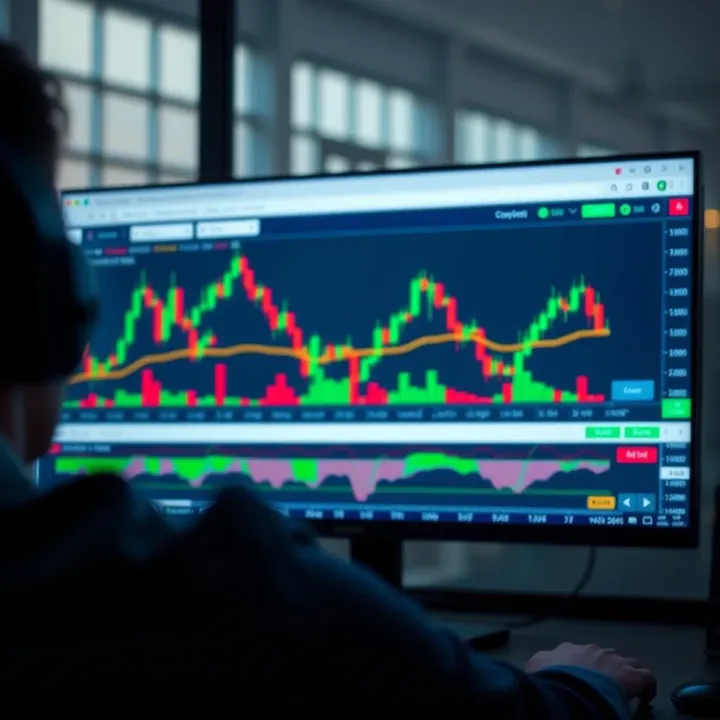
How to Use TradingView Charts: A Guide for Kenyan Traders
📊 Explore TradingView.com charts with this Kenyan-focused guide! Master chart types, tools, and local market data to trade smarter and boost your financial game.
Edited By
Sophia Green
TradingView charts have become a go-to tool for many Kenyan traders looking to sharpen their market insights. Whether you trade NSE (Nairobi Securities Exchange) stocks, forex, or commodities like tea and coffee futures, TradingView’s platform offers detailed charting capabilities suited to your needs.
At its core, TradingView provides real-time pricing data and historical charts, helping you track market trends efficiently. What sets it apart is the ease with which you can customise charts with indicators, drawing tools, and alerts tailored to your trading style.
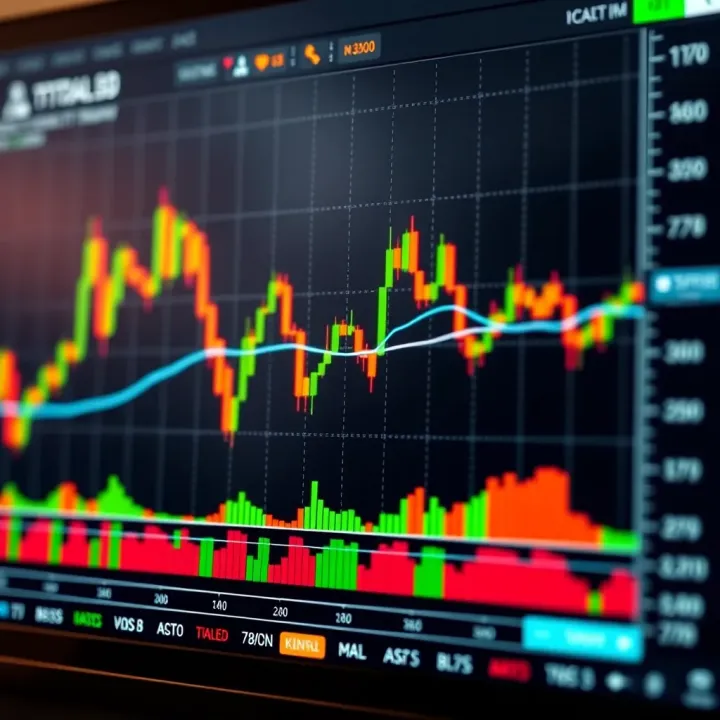
Kenyan traders often face unique market conditions — including periods of volatility related to local political events, harvest seasons, or currency fluctuations involving the Kenya shilling. This means having adaptable and reliable charting tools is essential. With TradingView, you can create multiple watchlists to monitor several assets, say Safaricom shares, forex pairs like USD/KES, or agricultural products, all in one place.
Understanding how to read and tweak TradingView charts is not just for experts. Even beginners gain an edge by learning how to spot support and resistance levels, identify candlestick patterns, and use volume indicators that matter in local contexts.
Some basic features you should start with include:
Candlestick charts: Most popular for spotting market momentum and reversal patterns.
Moving averages: Help in smoothing out price data to understand trends over days or weeks.
Volume indicators: Show how much trading activity happens, confirming the strength of price moves.
Practical use of TradingView also means linking your charts with alerts. Instead of watching prices all day, you can get notifications on your mobile — especially handy when commuting in Nairobi’s matatus or busy in the office.
As you get familiar with TradingView, you’ll discover how it integrates well with local brokers and platforms that Kenyans rely on. The platform allows exporting data and linking with trading apps through APIs, making the transition from analysis to action smoother.
In this guide, we will look deeper into how to customise TradingView charts for Kenyan markets, interpret critical indicators, and set up your workspace for maximum efficiency. This way, whether you’re dealing with volatile forex rates or NSE equities, you remain confident and informed.
For Kenyan traders, understanding TradingView charts is the first step to making informed market decisions. These charts provide a visual way to follow price movements, spot trends, and identify trading opportunities, especially for NSE stocks and foreign currencies. Grasping the basics helps you avoid confusion and incorrect interpretations when the market moves fast.
TradingView offers easy registration via email or social media accounts, making it quick for Kenyan users to start charting. The platform has a free tier, which is enough for many traders but also offers paid plans with added features like more indicators and alerts. After signing up, you can save charts and access them from any device.
Whether you use a smartphone, tablet, laptop, or desktop, TradingView works smoothly. Kenyan traders often rely on mobile connections, and TradingView’s app supports both Android and iOS devices efficiently. This means you can check your charts during a matatu ride or while having nyama choma with friends, without losing touch with the markets.
TradingView provides live price updates that reflect NSE market movements and forex prices instantly. This interactivity lets you draw trendlines, mark support and resistance, and adjust chart settings on the fly—valuable when Nairobi Securities Exchange prices fluctuate throughout the day. For instance, you can spot breakouts as they happen and react quickly.
TradingView doesn’t just focus on the NSE; it covers global markets like the NYSE, LSE, and forex pairs. This broad view helps Kenyan traders who want to diversify or trade in dollar-based assets. You can easily switch between the All Share Index (NASI) and, say, Tesla stock charts to compare market trends side by side.
One useful aspect is TradingView’s social side, where traders share strategy ideas and custom scripts. Kenyan traders can benefit from this by exploring local and international perspectives, sometimes adapting indicators tailored for NSE conditions. These shared scripts can automate parts of your analysis, cutting down time spent manually tracking patterns.
Knowing the basics of TradingView arms you with tools to trade confidently and stay ahead, even when markets swing fast. It's about using clear, interactive charts combined with community insights to make smarter moves.
Effective market analysis depends a lot on how you set up your charts. TradingView lets you customise charts to suit your trading style and the specific features of Kenyan markets like the Nairobi Securities Exchange (NSE). By picking the right chart types, time frames, and indicators, you can spot trading signals faster and make better decisions. This section explains key options to help you tailor TradingView charts for your trading needs.
Candlestick charts are popular among Kenyan traders because they show detailed price action — the opening, closing, high, and low prices — within each chosen time frame. This lets you read market sentiment more clearly than line charts, which only plot closing prices and omit intraday fluctuations. Bar charts also display price ranges but can look cluttered for beginners. For instance, if you’re tracking Safaricom (NSE: SCOM) shares, candlesticks will give better clarity on buying or selling pressure during the day.
Line charts suit a quick overview of price trends. Kenyan traders might use line charts for a broader look at market direction before zooming in on candlestick or bar charts for entry points.

Area charts shade the space below the line chart and smooth out volatility visually — handy for investors who prefer a gentle view of price moves without getting distracted by small wobbles. This might work well when monitoring a stock like Equity Bank over months.
Heikin Ashi charts average price data to filter noise and reveal clearer trend directions. Kenyan traders often apply Heikin Ashi to gauge the strength of trends on NSE or forex pairs like USD/KES, reducing rash decisions caused by sudden spikes. This chart type makes spotting trend reversals or consolidations simpler.
Time frames depend on your trading approach. Intraday charts (minutes to hourly) suit day traders monitoring live NSE action, relevant because the exchange runs from 9 am to 3 pm East Africa Time (EAT). Daily charts help swing traders spot medium-term trends over weeks, ideal for investments lasting a few days to a couple of weeks.
Weekly charts serve long-term investors tracking major moves in stocks such as KCB Group. Using the right interval ensures you waste no time chasing irrelevant data and stay focused on what's meaningful for your strategy.
Kenya’s NSE only operates during local business hours, so setting chart time frames that match this schedule is key. For example, an intraday 15-minute chart should cover 9 am to 3 pm EAT without showing overnight blanks or unrelated global market hours.
This alignment helps avoid confusion caused by price gaps or inactivity outside market hours. It also makes your alerts and analyses more relevant, especially when combining NSE stocks with forex pairs that trade 24/7.
Technical indicators like the Relative Strength Index (RSI), Moving Average Convergence Divergence (MACD), and Bollinger Bands are widely used by Kenyan traders. For NSE shares, RSI helps spot overbought or oversold conditions, guiding when to buy or sell. Forex traders dealing with USD/KES or EUR/KES pairs rely heavily on MACD to detect momentum shifts.
Bollinger Bands add insight by showing price volatility and potential breakout points. These indicators support decision-making but work best when combined, not relied upon singly.
TradingView lets you add multiple indicators at once and adjust settings to suit your preferences, like changing the RSI period or MACD parameters. Once customised, saving them as templates saves time during future analyses.
For example, if you regularly trade NSE banking stocks, you might save a template with RSI, MACD, and moving averages set to preferred periods. This approach keeps your workflow smooth, especially when monitoring multiple charts throughout the trading week.
Customising TradingView charts to match your Kenyan trading style ensures smarter analysis and quicker reactions. Personalised layouts and tools help you spot real opportunities without drowning in irrelevant data.
Understanding how to interpret data on TradingView charts is a fundamental skill Kenyan traders must develop to make informed decisions. Accurate reading of price movements, volume, and momentum not only helps in spotting market trends but also in timing your entries and exits well. In practice, this means knowing what signals to trust and which patterns tend to repeat themselves on instruments like NSE stocks.
Support and resistance lines mark the price points where an asset tends to stop falling or rising respectively. For a Kenyan trader monitoring NSE stocks, spotting these levels can highlight when the market is likely to pause or reverse. For example, Safaricom shares might find strong support around KSh 34; if prices dip near this, many traders expect buyers to step in, limiting further falls. On the other hand, resistance near KSh 40 could signal where sellers might take profits, capping the upward movement.
This practical knowledge helps you avoid buying at peaks or selling at lows by recognising where price pressure builds up. You can draw these lines manually on TradingView by connecting past price lows (support) or highs (resistance), which helps in planning trades with greater confidence.
Trendlines connect price points to display the overall direction of a stock, whether upward, downward, or sideways. Kenyan traders often use ascending trendlines to identify steady growth phases for stocks like KCB or Equity Bank. Conversely, a break below a trendline may warn of a weakening trend.
Chart patterns—such as head and shoulders or triangles—occur frequently on NSE charts. These patterns signal possible price movements; for instance, a triangle might indicate consolidation before a breakout. Recognising these patterns allows you to anticipate moves rather than react after the fact.
Volume shows how many shares exchanged hands during a period and is critical for confirming price moves. When NSE stocks rise on higher volume, it suggests genuine buying interest, signalling a solid trend. Falling prices on high volume, in contrast, could hint at strong selling pressure.
For example, if East African Breweries sees a sharp price increase but with low volume, the rally may lack conviction and could fade. Monitoring volume alongside price thus gives a clearer view of market sentiment.
Momentum indicators measure the speed of price changes. The Relative Strength Index (RSI) helps identify overbought or oversold conditions. If an NSE stock like Bamburi Cement has an RSI above 70, it may be overbought and ripe for a pullback. Conversely, an RSI below 30 points to overselling, signalling potential buying opportunities.
The Moving Average Convergence Divergence (MACD) shows how two moving averages relate, often signalling shifts in momentum. Crossovers can indicate trend reversals. Kenyan traders find MACD helpful to time entries and exits, especially during volatile market days.
Relying solely on one indicator—say RSI or volume—can mislead you, as no single tool gives the full picture. A Kenyan trader who buys just because the RSI is low, without considering price patterns or volume, risks entering a falling market. Balance your analysis by combining indicators with chart patterns and fundamental factors.
False breakouts happen when price moves beyond support, resistance, or trendlines but quickly reverses. These can trap traders into premature decisions, causing losses. For instance, on NSE a stock might break resistance temporarily only to fall back, whipsawing hopeful buyers.
To avoid this, wait for confirmation, like sustained volume increase or follow-up price moves, before committing funds. Patience here protects your capital and builds stronger trading discipline.
Interpreting TradingView charts accurately is not just about spotting signals—it’s about combining different tools and staying cautious. This approach helps Kenyan traders make better decisions, avoid common pitfalls, and increase chances of consistent trading success.
TradingView charts play a significant role in helping Kenyan traders make informed decisions. Integrating them into your trading approach offers a clear edge by providing real-time market data, detailed technical analysis, and community insights all in one place. For traders focusing on the Nairobi Securities Exchange (NSE) or regional forex markets, this integration makes strategy execution more precise and timely.
Many Kenyan brokers now support TradingView either directly or through third-party integrations. For example, leading platforms like Simba Capital and Xena Securities offer ways to connect your TradingView account for seamless order execution. Connecting TradingView with your broker not only lets you analyse charts with up-to-date market prices but also allows direct trade placement without switching apps. This streamlines your workflow and cuts down reaction time, important especially when tracking NSE’s busy trading hours.
Sharing your TradingView charts is equally useful when collaborating with fellow traders or seeking insights from mentors. Exporting charts as images or sharing them via TradingView’s social features lets you communicate your analysis clearly. For instance, if you notice a breakout on Safaricom’s stock chart, sharing the live view helps others validate your call or join the trade. This practice promotes community learning and can improve your trading decisions.
Since many Kenyan traders use mobile money services like M-Pesa for funding their accounts, combining TradingView insights with mobile money transactions is practical. To raise capital, you can transfer funds from M-Pesa to your broker’s Paybill number or directly fund your trading wallet through linked services. Planning this carefully ensures you have ready capital to act promptly on TradingView alerts.
Security during these transactions is critical, especially during volatile market hours. Always confirm the correct Paybill or Till numbers and avoid using public Wi-Fi to prevent interception of transaction numbers or PINs. Kenyan traders also benefit from regulating transaction times to avoid network congestion around NSE’s opening or closing times, reducing failures or delays.
Always double-check transaction details and keep your M-Pesa PIN confidential to avoid unauthorized trades.
Creating a daily routine centred on TradingView charts helps Kenyan traders stay disciplined. Start your morning reviewing daily and intraday charts aligned with NSE’s 9:30 am to 3:00 pm sessions. This habit lets you spot market trends early and position your trades accordingly. It’s also wise to track global markets like the US and Europe before NSE opens, as international events ripple into Nairobi’s market.
Setting alerts on TradingView for key price levels, trend breaks, or news triggers is a must-have in your routine. Alerts help you monitor opportunities without staring at the screen all day, saving time and reducing stress. For example, setting an alert for a breakout in Equity Bank’s share price means you get a notification on your phone or email, allowing quick response whether you’re at home or on the move.
Integrating these practices ensures you harness the full power of TradingView while respecting the practical realities of trading in Kenya’s market environment. This approach balances technology with the day-to-day rhythm of Kenyan traders, making your strategies more effective and manageable.
For Kenyan traders, the usefulness of TradingView charts depends not only on analysis skills but also on how smoothly the platform performs in everyday conditions. TradingView’s rich features demand reliable internet and device performance, which can be challenging, especially on mobile connections common in Kenya. Troubleshooting practical issues and optimising usage improves your trading decisions by ensuring charts load fast, indicators respond accurately, and data is consistent. This section focuses on dealing with common hurdles and sharing handy tips to help TradingView work better for you.
Managing data usage on mobile devices is essential for many Kenyan traders using mobile internet, where data costs and speed vary. TradingView can consume significant data, especially when loading multiple charts and indicators simultaneously. To keep data use reasonable, start by limiting the number of open tabs and reducing indicator overlays to the most critical ones. Turning on “Lite Mode” in TradingView settings significantly decreases data demands by simplifying chart visuals and minimising automatic updates. Also, using Wi-Fi instead of mobile data whenever possible helps conserve your data bundle.
Offline charting options come in handy when internet connectivity is unstable, like in remote areas or during power outages. While TradingView itself is cloud-based, you can export charts as images or save snapshots to your device. Some traders download and save historical data for offline review or use desktop apps that cache data temporarily. Offline charts allow you to analyse trends and plan trades even without internet, preparing you for market hours and reducing last-minute rush or delays.
Chart loading problems often arise from slow internet or browser incompatibility. When charts fail to load or freeze, start by refreshing the page or clearing the browser cache. Using updated browsers like Chrome or Firefox, which are widely supported by TradingView, can reduce such problems. If you’re on mobile, switching from browser to the official TradingView app can improve stability and loading times. Also, closing non-essential apps running in the background frees phone resources, helping charts respond better.
Handling discrepancies between TradingView and broker price feeds is important as differences can confuse trading decisions. TradingView aggregates its data from multiple exchanges and may lag compared to your broker’s live feed or use slightly different prices due to timing or source quality. Always cross-check critical trades on your broker’s platform before execution. Kenyan brokers affiliated with NSE or regional exchanges usually provide official prices, so use TradingView mainly for analysis and strategy rather than exact entry prices. Communicating with your broker about feed discrepancies also helps clarify any mismatches.
Consistent monitoring and minor adjustments can save you from costly errors and ensure TradingView charts remain a reliable tool in your trading arsenal.
Optimising TradingView for Kenyan internet realities and hardware ensures you make the most of its powerful features without constant frustration. With these tips, your charting experience becomes smoother, letting you focus on market moves instead of technical glitches.
📊 Explore TradingView.com charts with this Kenyan-focused guide! Master chart types, tools, and local market data to trade smarter and boost your financial game.
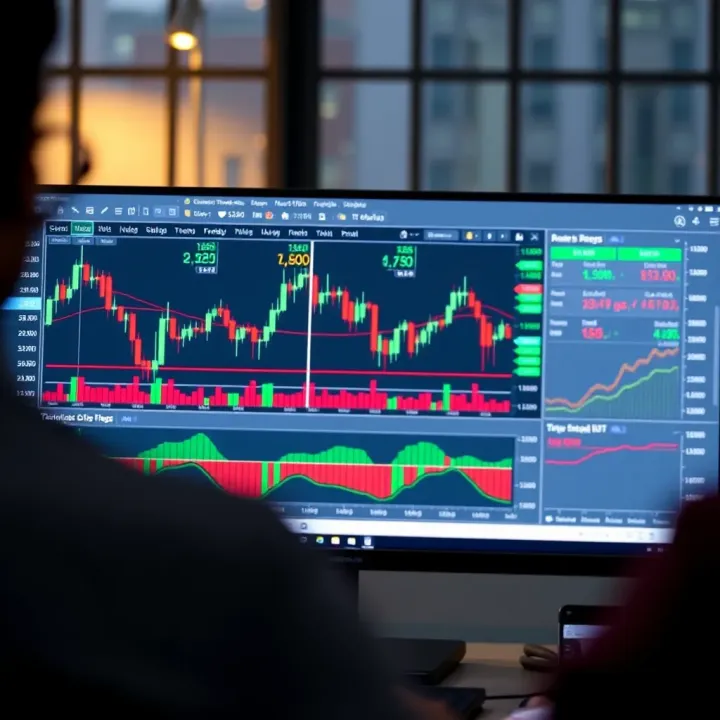
📈 Unlock TradingView charts for Kenyan traders: learn to set up, customise tools, interpret indicators and make market moves with confidence for better trading results.
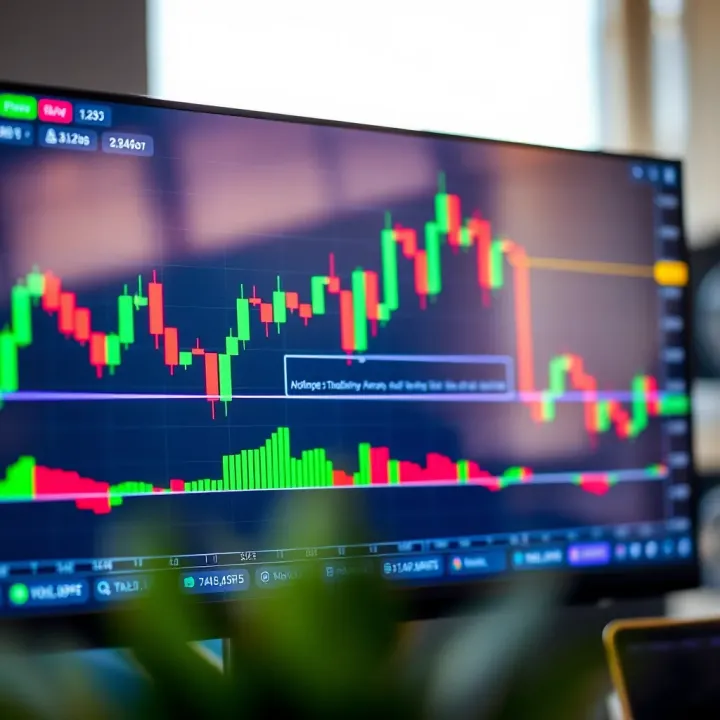
📊 Discover how Kenyan traders can master TradingView charts with interactive tools, custom indicators, and tips to boost smart market analysis and trading success.

📈 Discover how to integrate TradingView for Kenyan traders and developers. Learn setup steps, custom features, and practical usage to boost trading and fintech apps. 🇰🇪
Based on 14 reviews